Privacy Thing
Creator / Product Designer / Developer · Open Source
Websites can attempt to recognize users without storing a single cookie. They can combine an IP address with browser-provided geolocation, language, time zone, screen resolution, Canvas and WebGL properties, or device information. Each value may seem insignificant on its own, but together they can form a distinctive browser fingerprint.
An extension cannot change all of this data, particularly the public IP address. Privacy Thing focuses on the information a browser actually allows it to influence. Users decide what values a specific website can see and can assign separate profiles for geolocation, language, time zone, and selected protections to different domains.
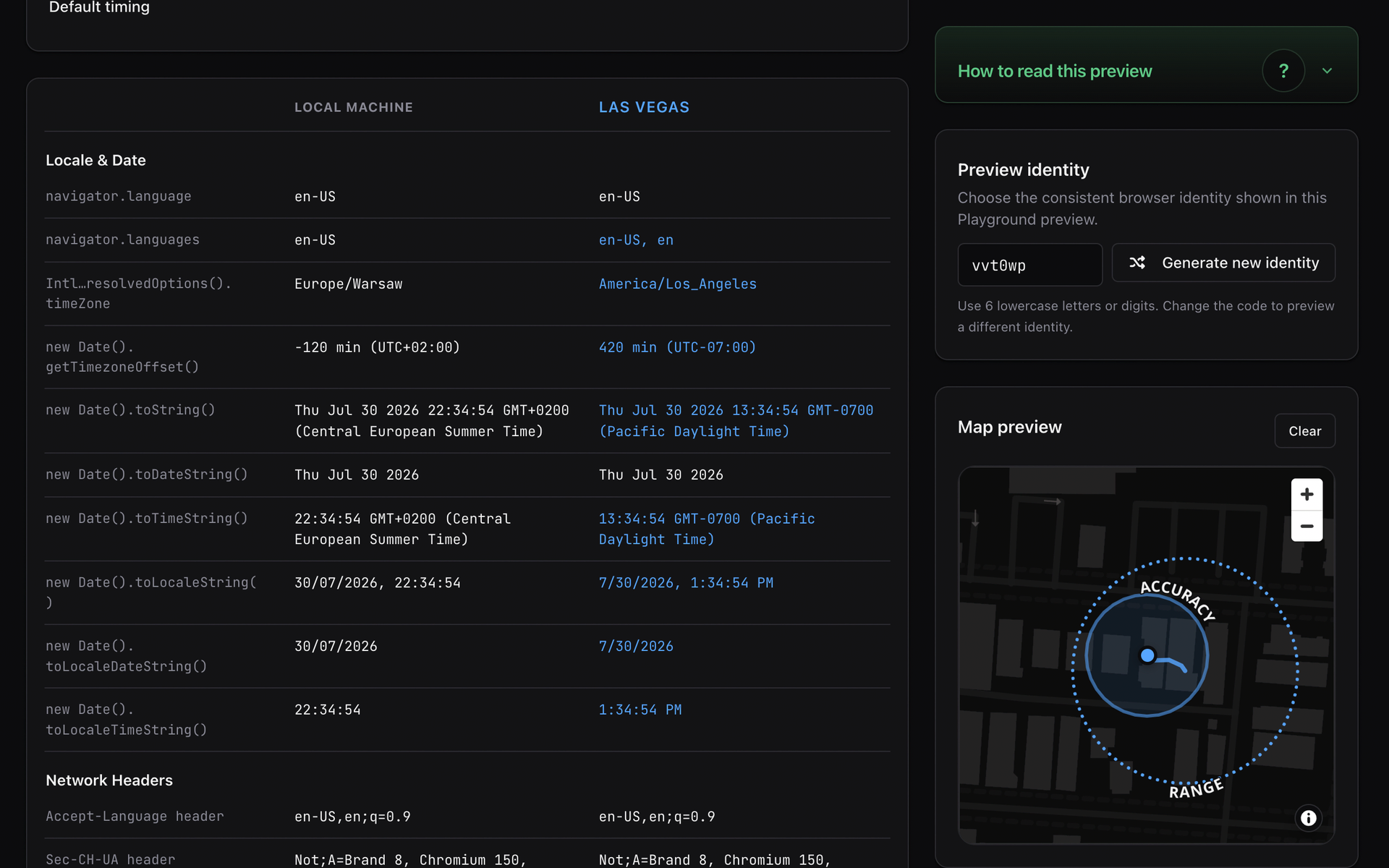
For example, a user can prepare a profile with a specific location, language, and time zone for a chosen website. Privacy Thing assigns it to the domain and applies it before the page can read the real values. X-Ray then shows which supported data the website actually accessed and which settings affected it.
The project began as GeoWarp, a straightforward tool for replacing browser geolocation. Its first version did one thing: it returned different coordinates to websites. It soon became clear that location alone was not enough. A site can simultaneously inspect language, time zone, regional settings, headers, and device data. When those details disagree, the inconsistency can become as distinctive as the values they were meant to conceal.
Privacy Thing grew from that experiment into a system for controlling not one isolated value, but the coherent view of the browser environment presented to a website.
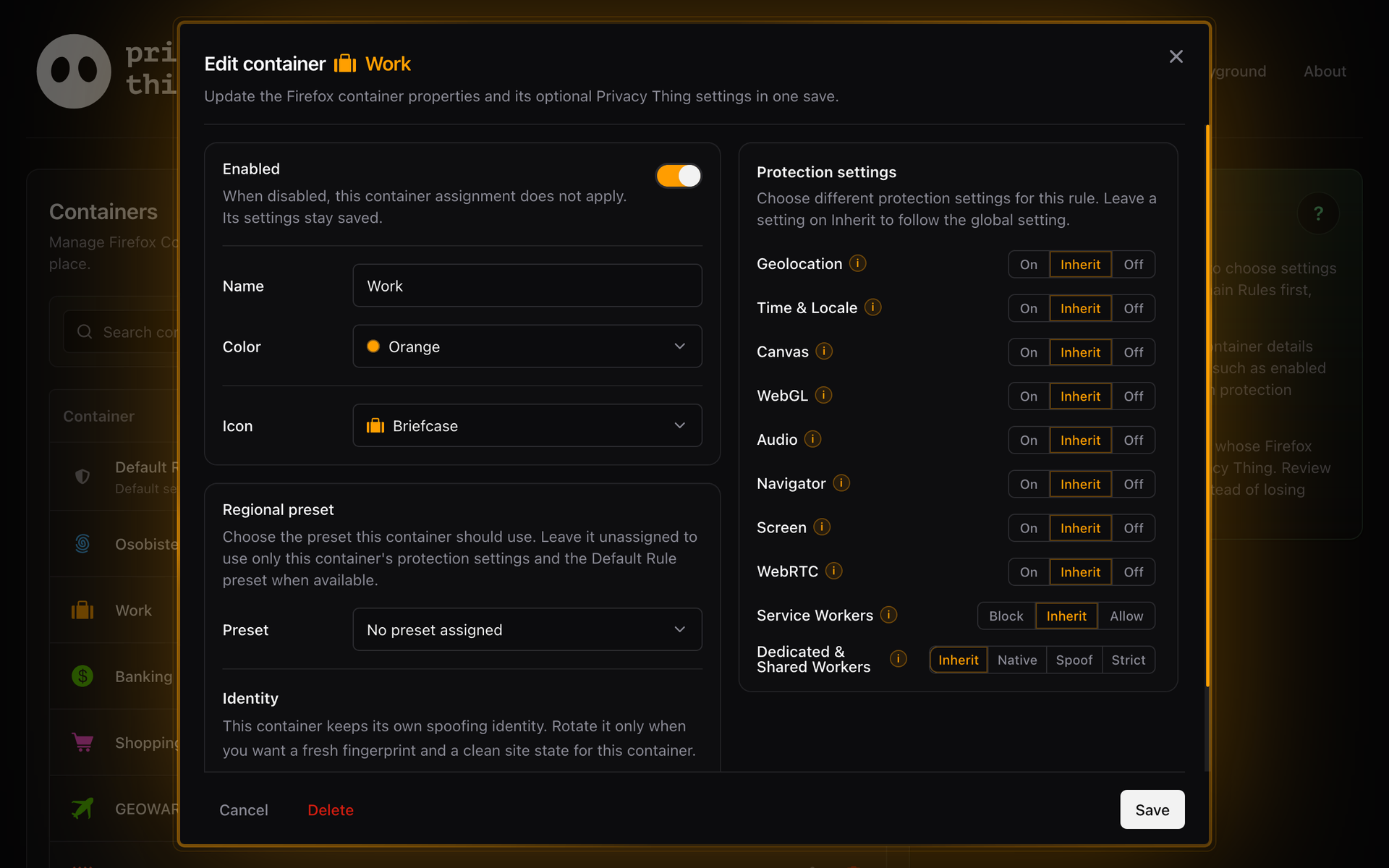
One configuration for a specific website
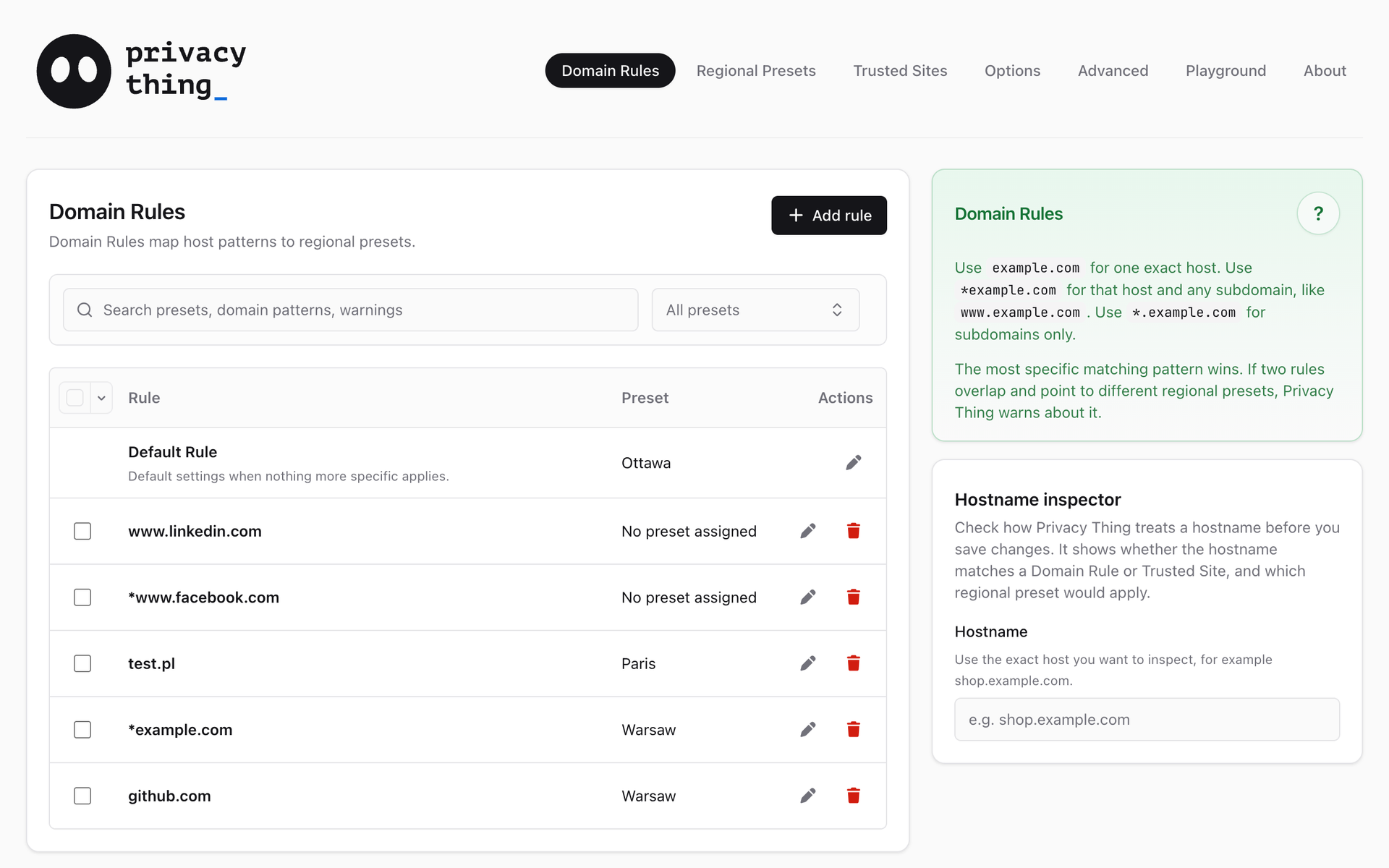
Profiles and domain rules form the foundation of the product. A profile describes selected environment parameters, while rules determine where it applies. On Firefox, configuration can also account for the active container. The same user can therefore apply different settings depending on the website and browsing context.
The extension popup provides quick control over the current domain, while the full settings panel supports profiles and rules, configuration import and export, logs, and site-data management. X-Ray completes the set with a detailed view of website activity. Protection becomes something users can inspect for themselves rather than an invisible mechanism working in the background.
Protection coverage
Privacy Thing currently covers 53 browser properties, methods, and constructors, grouped into 13 protection categories:
- Geolocation
- Time and locale settings
- Canvas
- WebGL
- Audio
- Navigator
- Screen
- Client Hints
- Battery
- WebRTC
- Dedicated Workers
- Service Workers
- Shared Workers
The hardest part: getting there first
Changing the behavior of browser APIs is only part of the challenge. The change must also happen before a website can read the real values. A later correction cannot undo information exposed during the first moments of document loading.
I built a dedicated runtime and mechanisms that deliver the correct configuration while navigation is still in progress. They must remain stable across settings changes, page reloads, and repeated activation without accumulating additional layers of modification. Reliability and timing proved more difficult than replacing the data itself.
Many contexts and two environments
Modern web applications run code not only in the top-level window, but also in frames and several kinds of workers. Each of these contexts can see a different part of the environment, so the active Privacy Thing configuration must reach beyond the main document without disrupting mechanisms the application itself relies on.
Differences between Chromium and Firefox add another layer of complexity. Both environments offer similar extension models, but they launch page code and deliver data in different ways. I separated shared product behavior from adapters responsible for each browser's constraints. This makes it possible to develop one feature for both versions and verify them against the same scenarios.
Each stage revealed the next limit of a simple solution. Replacing coordinates required consistent regional settings, domain profiles required reliable configuration delivery during navigation, and supporting the main document led to covering the remaining execution contexts. The project's architecture did not begin as a finished plan: it evolved in response to behavior that the previous model could no longer handle reliably.
Quality verified in real browsers
Privacy Thing changes the behavior of native APIs, so unit tests alone are not enough. The project combines them with integration tests and automation running in real Chromium and Firefox builds. Coverage includes the earliest reads during page loading, frames, workers, headers, and complete interface workflows.
The process begins with format checks, type analysis, unit tests, and build verification. Finished packages then enter separate Playwright runs for Chromium and Firefox, while nightly jobs add diagnostic testing against real websites.
As the project grew, I extracted shared libraries for geolocation, time, fingerprinting protection, browser integration, and diagnostics. The repository also contains controlled test pages and tools that detect differences between declared browser support and the capabilities available in practice.
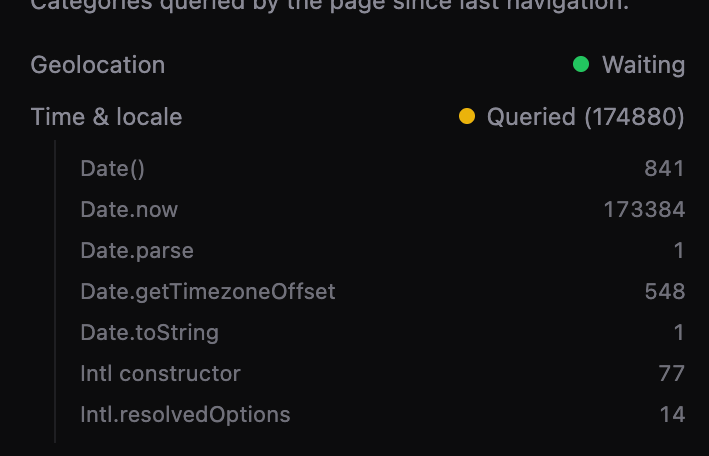
Even the broadest automated test suite cannot replace testing the extension in real-world use. LinkedIn proved especially instructive: its front end, to put it gently, makes an extraordinary number of calls to time-related functions. X-Ray recorded close to 200,000 reads in a single session, which, combined with the event-reporting approach used at the time, could freeze the browser. This exposed a performance problem that controlled scenarios had not revealed. The bug was fixed, and LinkedIn joined the performance benchmark suite :P
The project runs its extensive Chromium and Firefox tests with support from webh.pl, which provides server infrastructure powered by AMD EPYC processors. It offers a fast, repeatable environment for checking changes before they reach a release.
An identity that reacts
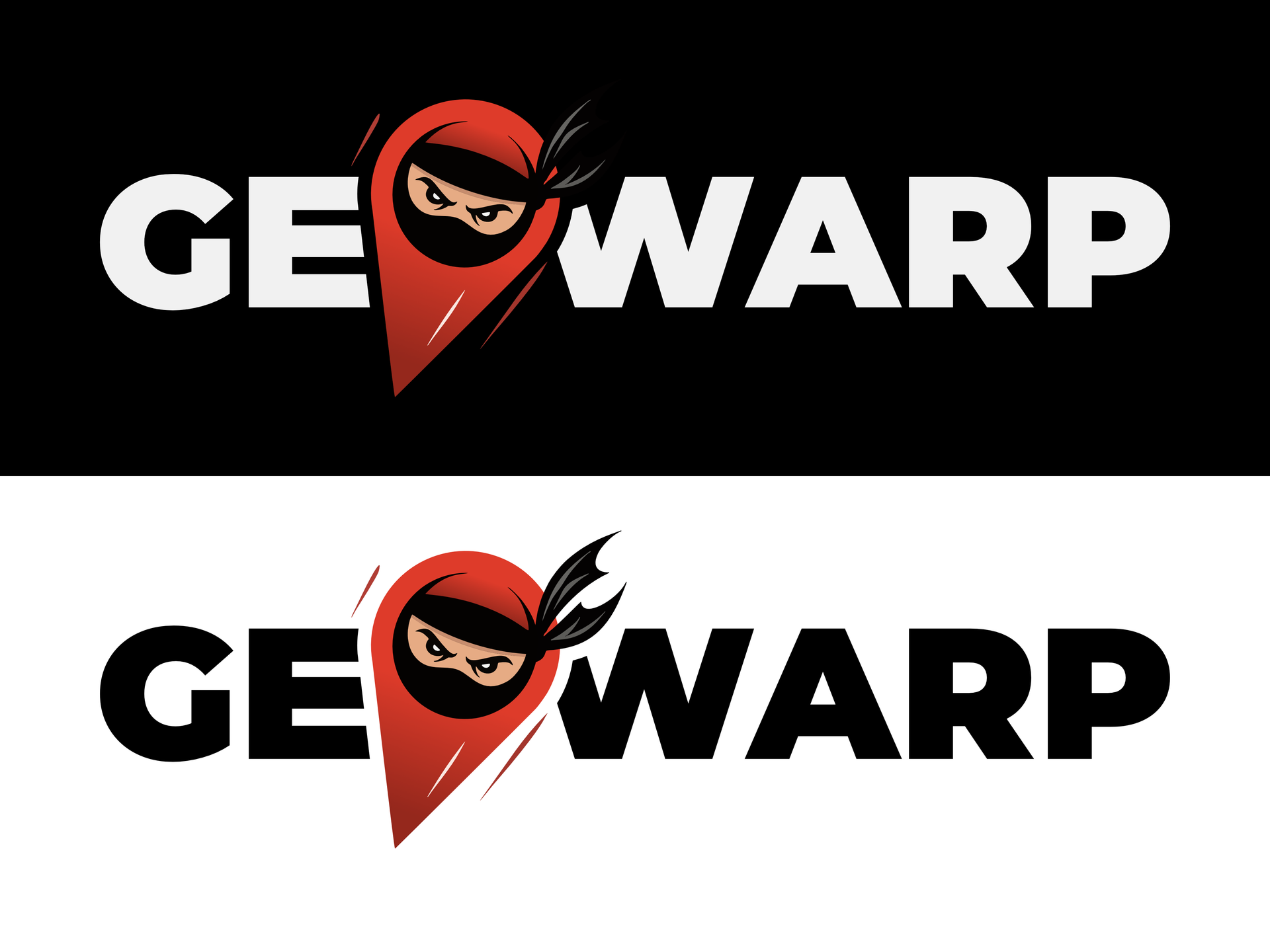
GeoWarp's first logo was as direct as the product at the time: it combined a ninja character with a location pin. The idea had its charm, personifying the pin familiar from popular map applications. In practice, the illustrative character scaled poorly to the size of an extension icon, while giving it a coherent animation system would have required considerably more work. As the feature set expanded, the identity also began to reduce the project to just one of the browser properties it could control.
When the project became Privacy Thing, I replaced the illustrative mascot with a simple, abstract Thing, a monospaced wordmark, and a cursor. Thing's strength lies in its almost absurdly simple shape. That makes it easy to recreate with web technologies, reshape, and animate without losing legibility - even when only a handful of pixels are available. Instead of one fixed mark, the identity became a system of gaze directions, blinking, sleep, and an animated cursor. It works as both a small extension icon and a complete logo.
The new name was meant to be unassuming and intentionally avoid demanding attention. GeoWarp sounded striking, but said little about the extension's broader capabilities while trying too hard to become the star of the communication. Privacy Thing leaves more room for the product and its character without pretending that one word can explain the whole system. The search for GeoWarp's successor had effectively been running since the project began. By the time the new name was chosen, the canonical Notion database contained 891 records spanning names, variants, and thematic directions. Finding a good name in 2026 is genuinely difficult ;-)
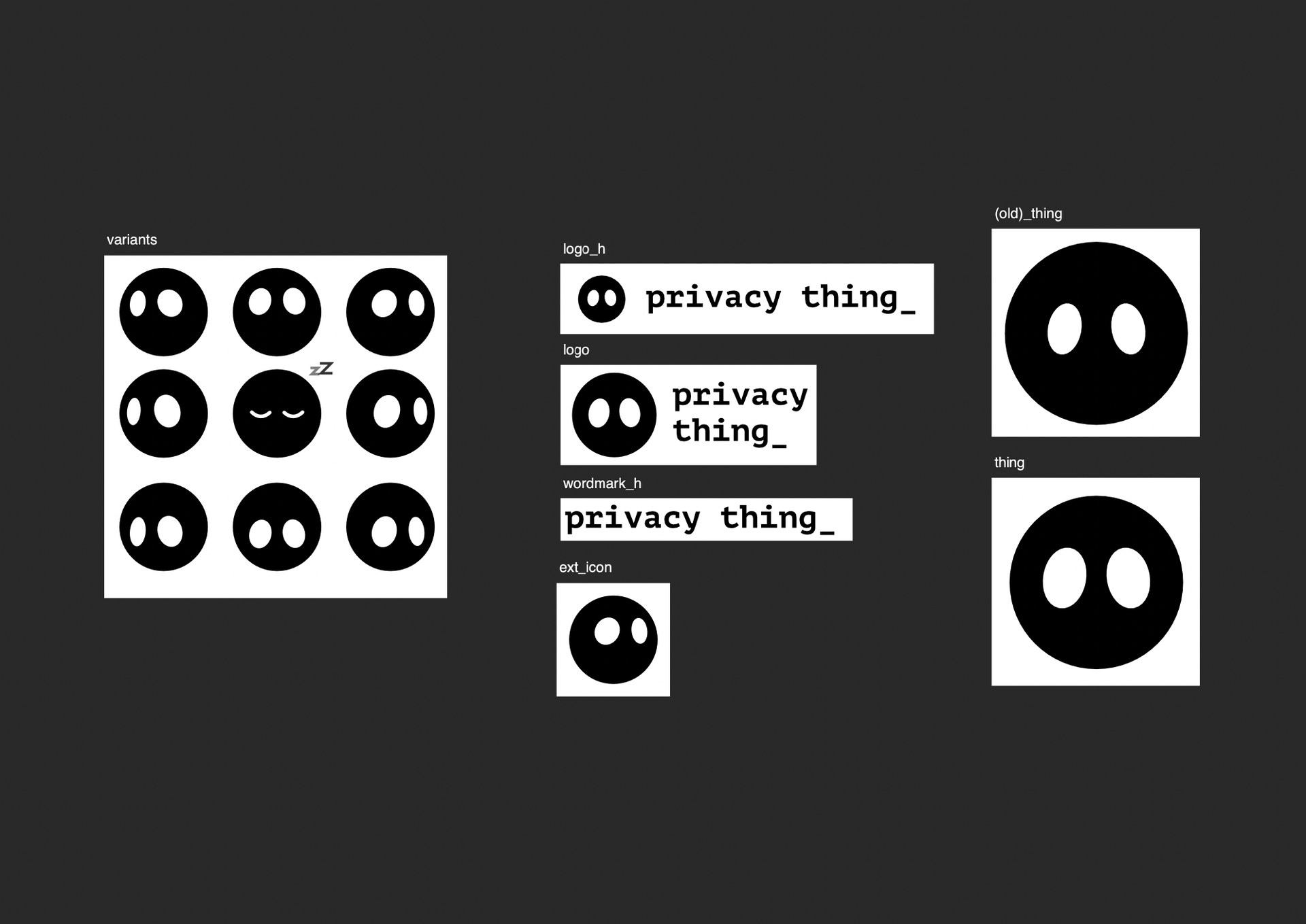
I designed the identity in Affinity Designer. Inkscape joined the process as a tool for checking and improving SVG compatibility, allowing the same files to be used safely across browsers and different parts of the product.
Thing is not a hard-coded image but a native <privacy-thing-logo> Web Component. It stays independent of any framework and can behave consistently in the extension, on the landing page, and here in the portfolio. Inside the component, SVG SMIL controls gaze directions, blinking, sleep, and the mark's fluid transformations. CSS transitions move the eyes between poses and animate the cursor, while the Web Animations API drives the short boop and jelly reactions.
Four behaviors of one Thing
Each example below is a separate instance of the same component used by the product.
Thing was intended as a friendly character that softens a brutally technical product. Its animations are therefore more than decoration. They speak to the user, helping them notice a state change, an important piece of information, or an event while browsing. With reduced motion enabled, the component keeps a calm, static form while communicating the same state.
I carried the same thinking into dialog frames. Their accent is built from a masked conic gradient (conic-gradient) whose angle, trail width, and the intensity of the halo effect are registered CSS properties. Separate animations control rotation and the glow's gentle breathing, allowing color and pace to be selected independently. Motion leads the eye to the active window; with reduced motion enabled, it remains a static frame.
Four ways the animated Privacy Thing frame communicates
This live demonstration uses HTML and the same CSS mechanisms that build the frame in the product.
Edit location
Make changes to your spoofing location. Click save when done.
Privacy and product boundaries
Profiles, rules, settings, and logs remain in the user's browser. Privacy Thing has no telemetry backend and does not load remote executable code. Map and location-search features use OpenStreetMap and Nominatim only after the user deliberately activates them.
Privacy Thing is neither a VPN nor a proxy. It does not change the public IP address or promise anonymity or undetectability. Its purpose is precise, verifiable control over the information a browser extension can genuinely influence.
The project is under active development, and its first public preview was released in late July 2026. What began as a coordinate replacement experiment has become a cross-browser product combining environment control, visible diagnostics, and the engineering foundation required to verify its behavior under real conditions.
Finally, I want to thank everyone who gave their time before the release to test the extension and share their observations. Their experience of using it day to day uncovered problems that automation alone could not reproduce.
Project
Distribution
Technologies and focus areas
Languages
- TypeScript
Frontend
- React
Testing & Automation
- Playwright
- Vitest
Web Platform
- Geolocation API
- DOM API
- Web Workers API
- Service Worker API
- Web Storage API
- Canvas API
- WebGL API
- HTML Audio API
- WebRTC API
Browser Extensions
- Manifest V3
- WebExtensions API
- Browser Extension APIs
- Main World Injection
- Declarative Net Request API
Build Tooling
- Vite
Mapping & Positioning
- OpenStreetMap
- Nominatim